
How to Log In
Here are the steps to get into your Cleopatra Casino account:
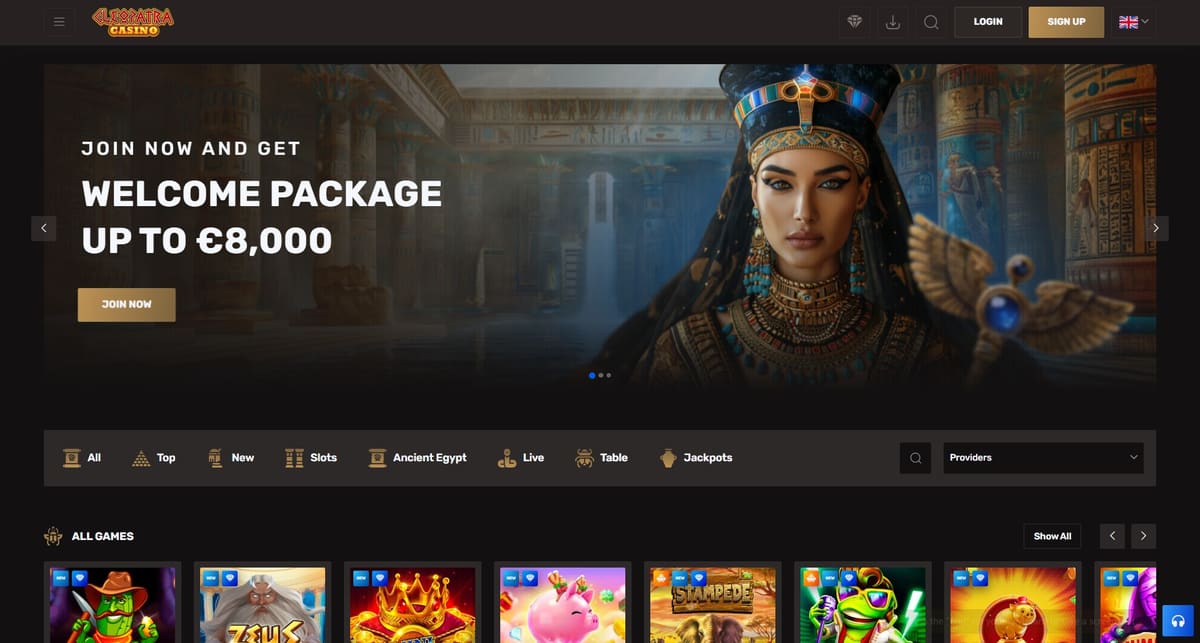
- Head to the official cleopatracasinoslots.com website in your preferred browser.
- Click the "Login" button in the top-right corner of the homepage.
- Type in the email address or username you registered with.
- Enter your password in the field provided.
- Hit the "Login" button to get in.
Once you're logged in, you'll land on your dashboard. From there, you can deposit funds, jump into your favourite games, grab any available bonuses, and update your account settings.
The "Remember Me" option is honestly pretty handy, but we'd suggest only using it on your personal device or one you fully trust. Keep it off shared or public machines.
Password Recovery
Forgotten your password? It happens. The recovery process is actually quite quick:
- Click the "Forgot Password?" link just below the login form.
- Enter the email address linked to your account.
- Click the "Send Recovery Email" button.
- Check your inbox for an email from Cleopatra Casino — and don't forget to check your spam or junk folder too.
- Click the password reset link in that email.
- Set a new password and confirm it.
When picking a new password, make it a strong one. Mix upper and lowercase letters, throw in some numbers, and add a special character or two. It's worth the extra effort.
If you run into trouble at any point during recovery, our support team's available around the clock to help you through it.
Login Issues and Troubleshooting
Having trouble getting in? Don't stress — there are a few common causes, and most of them are pretty easy to fix.
Incorrect Login Details
Double-check what you've typed. A small spelling mistake or an accidental capital letter can be enough to block you out. Passwords are case-sensitive, so it's worth having a close look. If you're not sure about your credentials, go ahead and use the password recovery steps above.
Account Lockout
Too many failed login attempts in a row will trigger a temporary lock on your account. It's a security measure, not a punishment. Wait a few minutes, then try again. If you're still stuck, get in touch with our support team and they'll sort it out.
Internet Connectivity
A shaky or slow internet connection can actually cause login problems that have nothing to do with your account. Make sure you're on a stable network before you try again.
Browser Compatibility
Cleopatra Casino works best on up-to-date browsers — Google Chrome, Firefox, Safari, and Microsoft Edge all do the job well. If your browser's a bit behind, update it or switch to a different one. It can make a real difference.
Device Issues
Sometimes cached data or old cookies stored on your device can get in the way. Try clearing your browser cache, or log in using Incognito or Private browsing mode. You could also try a different device entirely if the problem keeps coming up.
Two-Factor Authentication
If you've got two-factor authentication (2FA) turned on, you'll need access to your authenticator app or email to grab that verification code during login. Make sure you've got that handy before you start.
Account Suspension
In some cases, accounts can be restricted — usually due to incomplete verification, a terms of service issue, or flagged activity. If you think your account's been suspended, reach out to our support team directly and they'll explain what's going on.
Contact Support
If you've worked through the steps above and still can't get in, we're here to help:
- Live Chat: Available 24/7 right on our website
- Email: support@cleopatracasinoslots.com
- Help Centre: Our FAQ page has quick answers to a lot of common questions
When you contact us, it helps to have your registered email address ready, a short description of what's going wrong, and any screenshots if you've got them. The more detail you can give us, the faster we can fix it.
Security Reminder
Always log out when you're done — especially on shared or public devices. Don't share your login details with anyone, full stop. Be cautious of any emails or messages that claim to be from Cleopatra Casino but feel off. We'll never ask for your password over email or chat. Ever.
Your security matters to us, and we take it seriously. If you've got any questions about logging in or managing your account, don't hesitate to reach out to the support team.